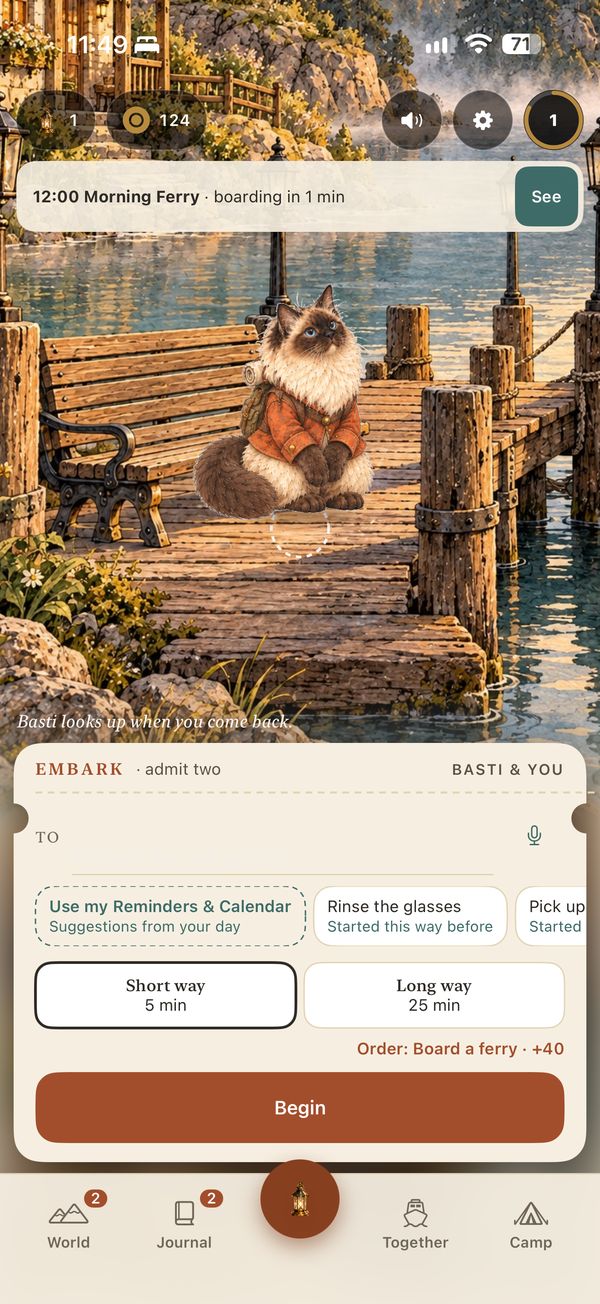
 Embark
The Embark guide
How it plays
A journey, then the app tab by tab.
Walk through one journey
A journey, screen by screen
These are real screenshots from your iPhone, taken by the automated test on 14 October. Use the buttons or the ← → keys.
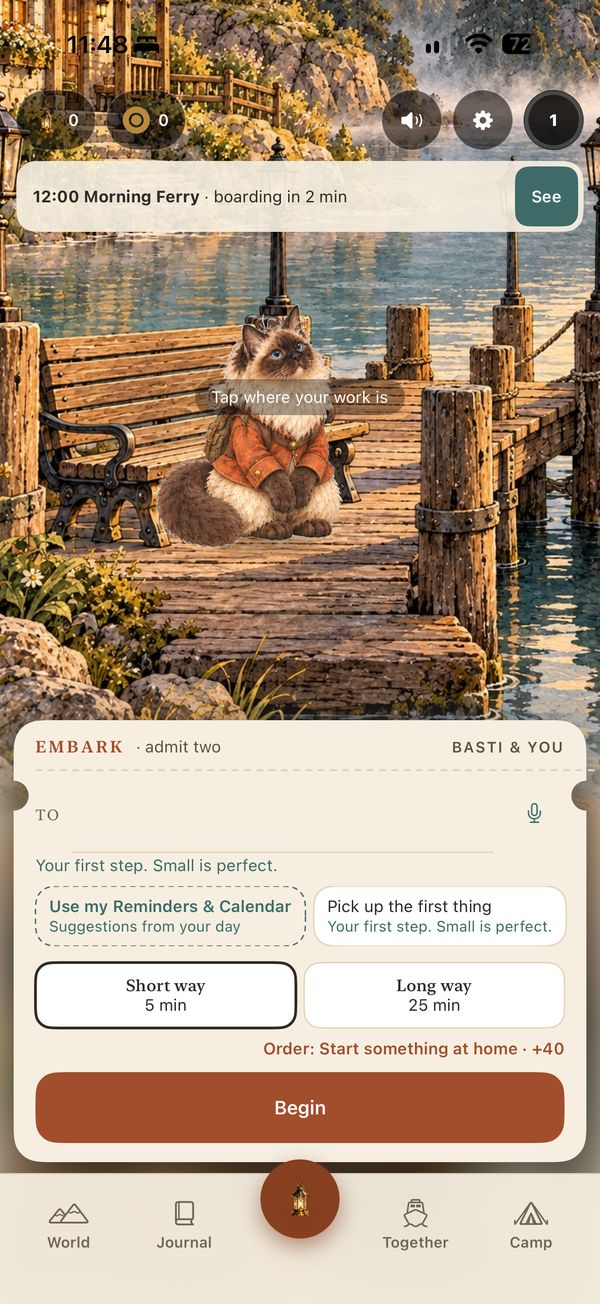
Step 1 of 13
The app, tab by tab
Five tabs. Home is the middle one.
The raised lantern in the middle is home. Journey screens hide the tab bar. World and Journal show a badge for new patches and finds, and Together shows a dot when a ferry is boarding.